
Introduction
In this article we’ll be going over the VBA Excel MOD operator or modulus operator. If you’ve never heard of modulus then you’re in the perfect place. If you know what it is but aren’t sure how to use it in VBA we’ll show you how to do it. Let’s jump right in!
The VBA Excel MOD
The MOD is an operator in Excel VBA or Visual Basic for Applications which gives us the remainder when we perform a division. Please note VBA excel MOD is not a function but an operation. We’ll be doing some examples and showing the result in a Message Box.
Usage of MOD
MOD to Get the Remainder of a Quotient
See below sample code:
Sub example1()

    MsgBox 9 Mod 2

End Sub
Code explanation:
- The following is our sub-procedure code.Sub example1()
End Sub- `MsgBox 9 Mod 2` - this is our syntax, this indicates VBA to perform the MOD or modulus operator. What does that mean? Modulus will divide 9 by 2 and return the remainder ( in this case 1 ). It's that simple. It returns the remainder after division.Let’s take a look at the result after running the code:
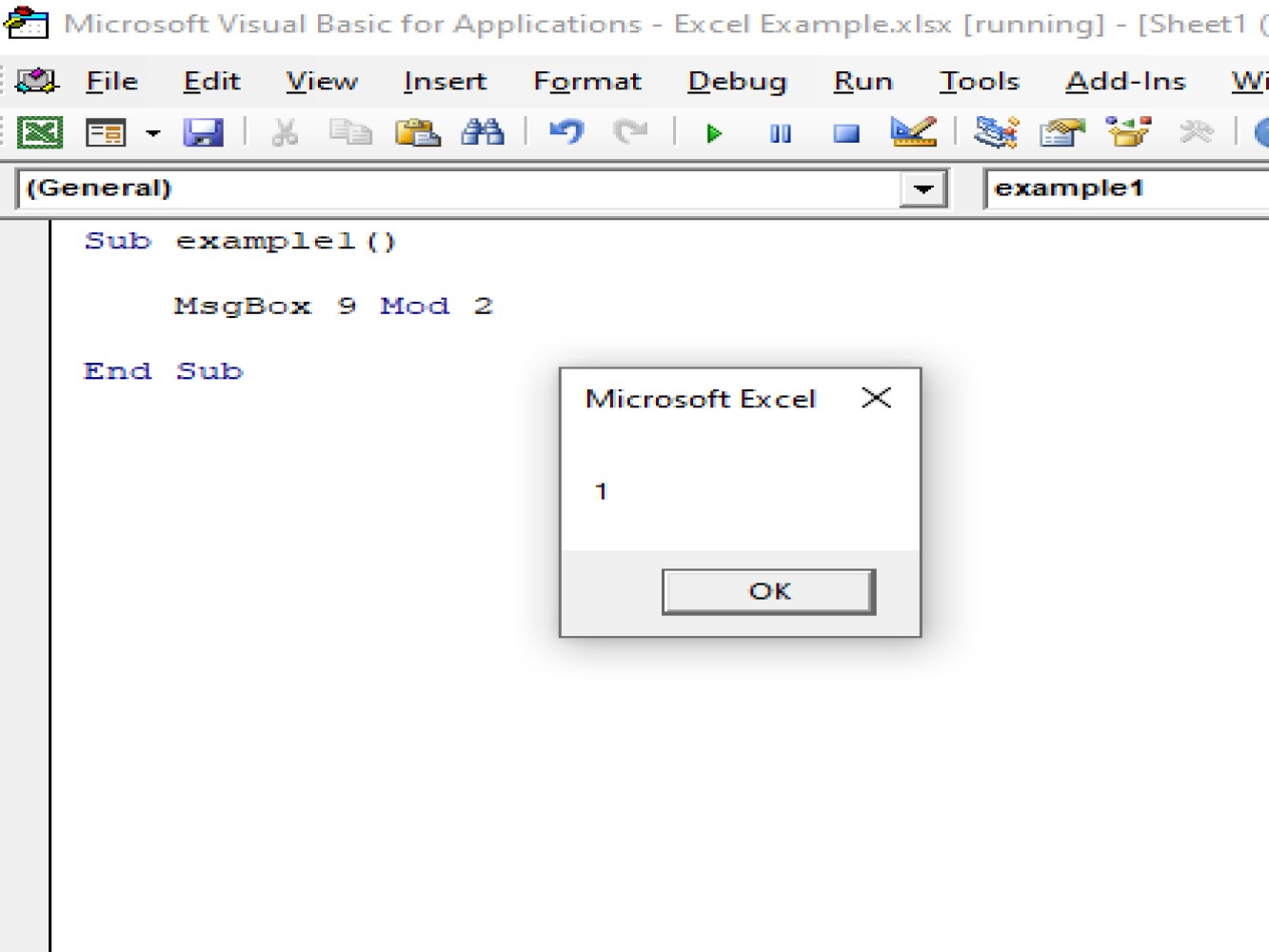
MOD What if there is no remainder?
But what happens if there is no remainder? Let’s do an example and see.
Code:
Sub example2()

    MsgBox 20 Mod 2

End Sub
Code explanation:
- Again we define our sub-procedure.Sub example2()
End Sub- `MsgBox 20 Mod 2` - our syntax.Let’s take a look at the result after running the code:
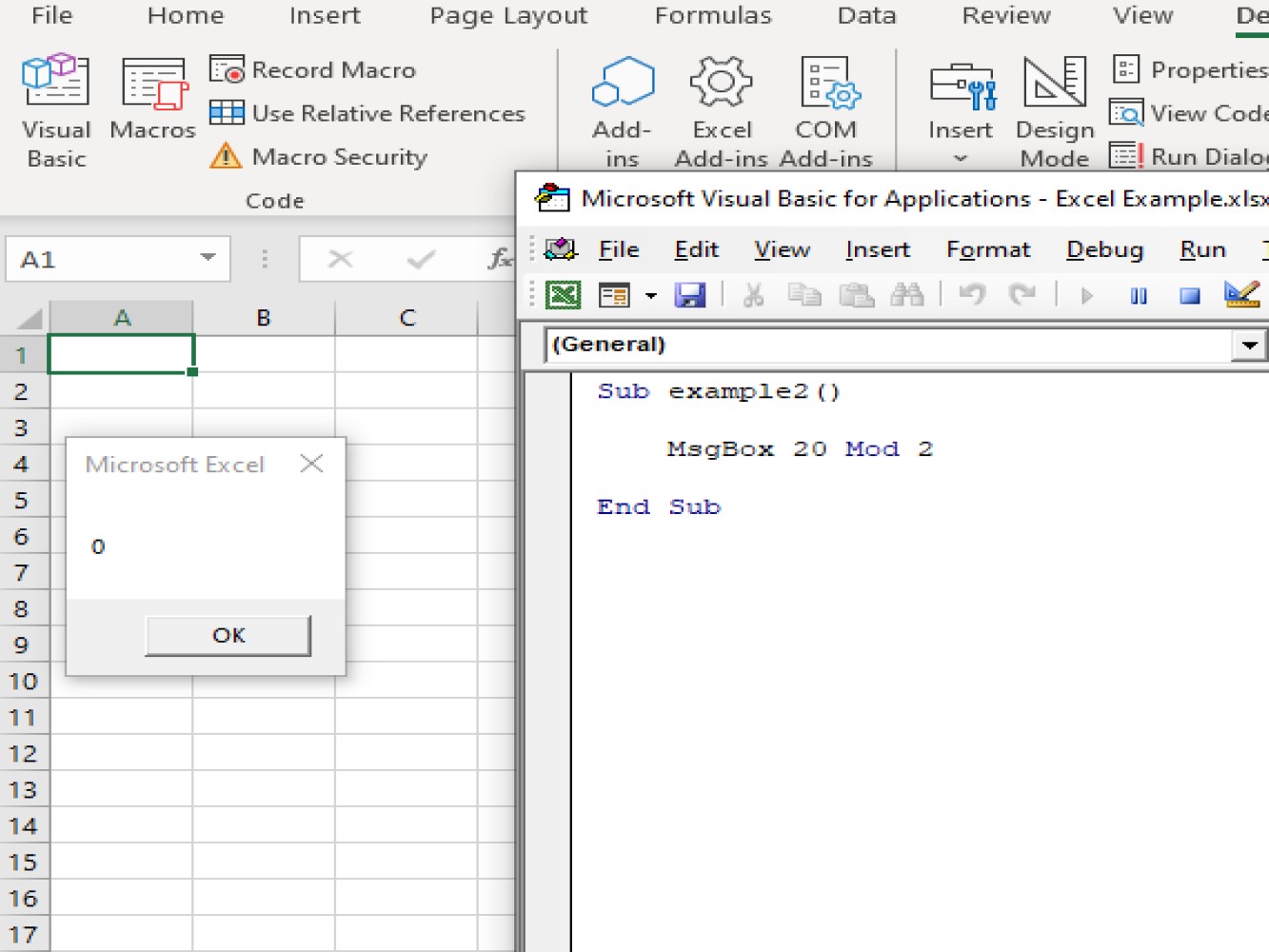
Message box showed us 0 because, if we divide 20 by 2 there is no remainder, or in other words, the remainder is 0. 20 is perfectly divisible by 2.
MOD Without Remainder with Dim Value used
Let’s take a look another sample:
Sub example3()

    Dim A As Integer
    A = 25 Mod 7
    MsgBox A

End Sub
Code explanation:
- We define our sub-procedure:Sub example3()
End Sub- `Dim A As Integer` - We set A as our integer variable
- `A = 25 Mod 7` - This defines as the value of our integer which is *25 Mod 7*.
- `MsgBox A` - This will instruct VBA to show the return of the value in the message box.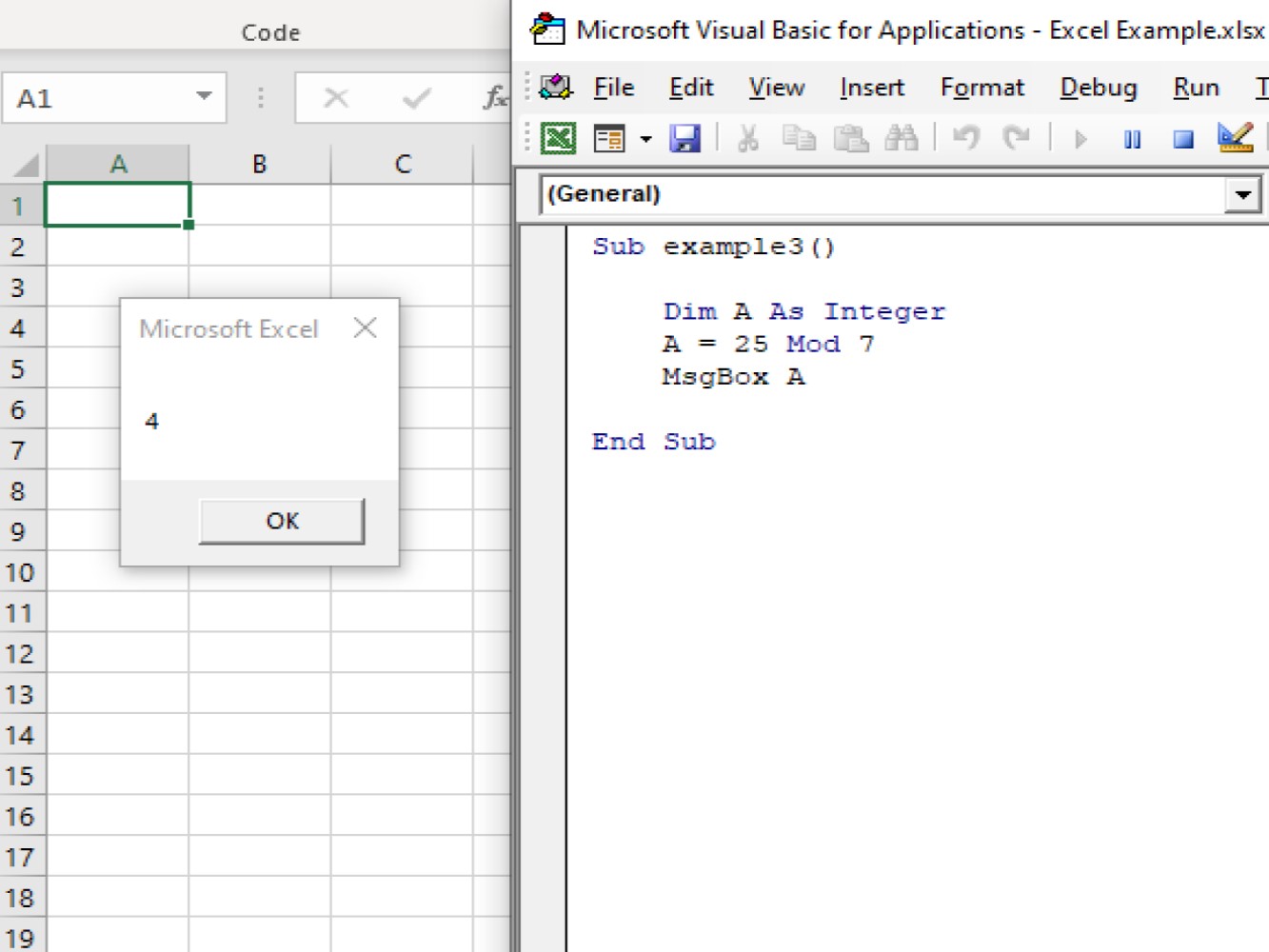
Aas you can see the message box shows us 4 because 25 divided by 7 is 24 with a remainder of 4.
Using MOD with Decimal Numbers
What happens when you use the Mod operator with decimals? Excellent question! Let’s see:
Code:
Sub example4()

     ActiveCell.FormulaR1C1 = "=MOD(RC[-2],RC[-1])"
     Range("C3").Select

End Sub
Code explanation:
- `ActiveCell.FormulaR1C1 = "=MOD(RC[-2],RC[-1])` - this is our syntax, and this will indicate VBA to perform MOD function.

- `Range("C3").Select` - this is the exact cell location we have selected where we wanted to appear the remainder for the dividends and the divisor.
And the result after running the code:
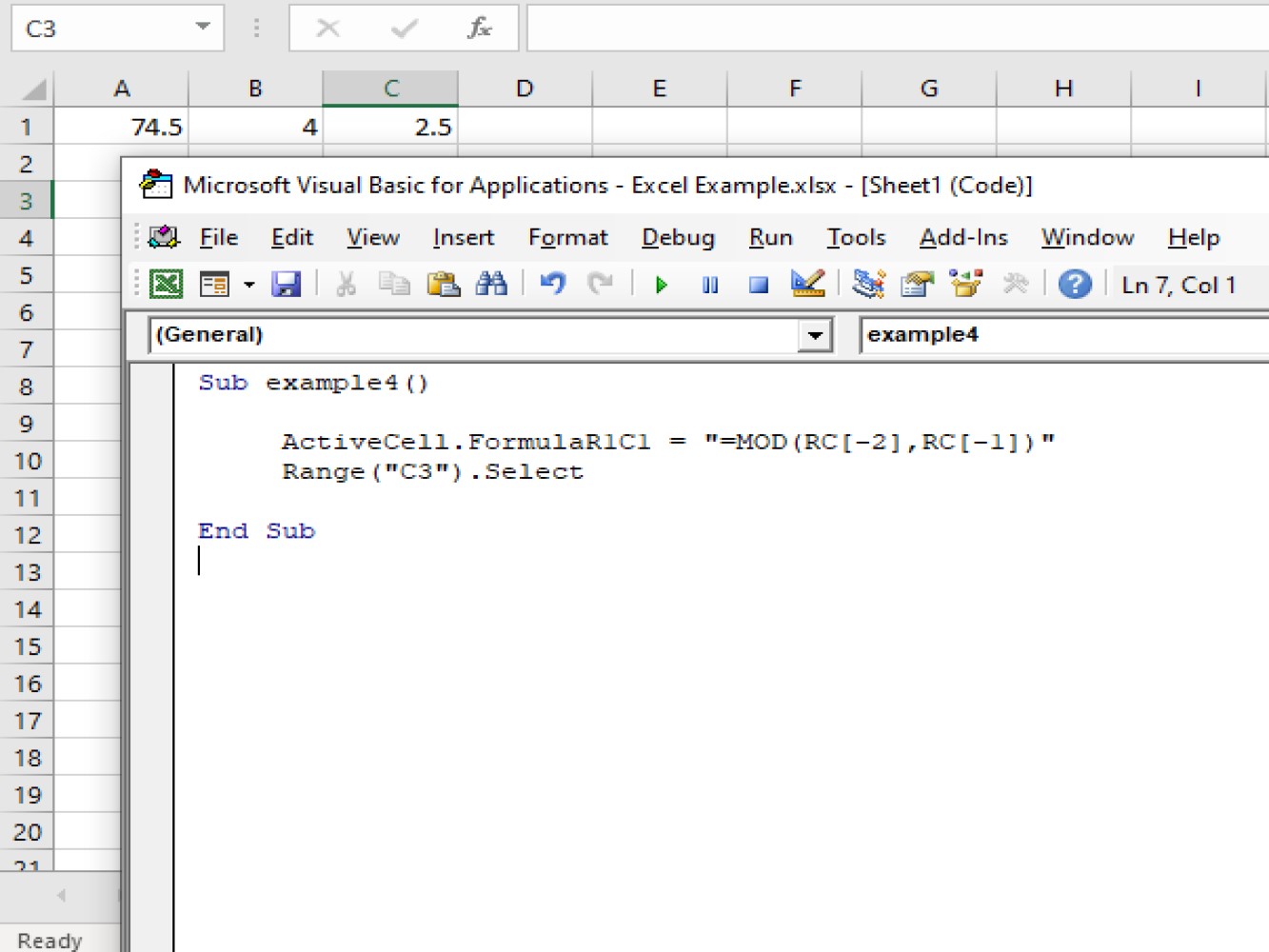
The dividend 74.5 is being divided by the divisor 4 and the answer is 2.5. 74.5 have a decimal number and the above code is used for MOD for numerals with decimal numbers.
So yes, the Mod operator does work with decimals.
Conclusion
In this article we have gone over the Modulus or Mod operator in Excel VBA. This is a very common calculation and has many use cases. As we discussed it works with Integers as well as with Decimal values. We hope this article helped you tackle your task at hand and we hope it helps you build smarter Excel worksheets. Thanks for reading!